Free
$0
Explore with your own samples.
- Personal workspace
- All analysis modes
- Personal measurement history
- Daily measurement limit
Computer vision for seed production
Count seeds, estimate field yield, and review results from your phone.
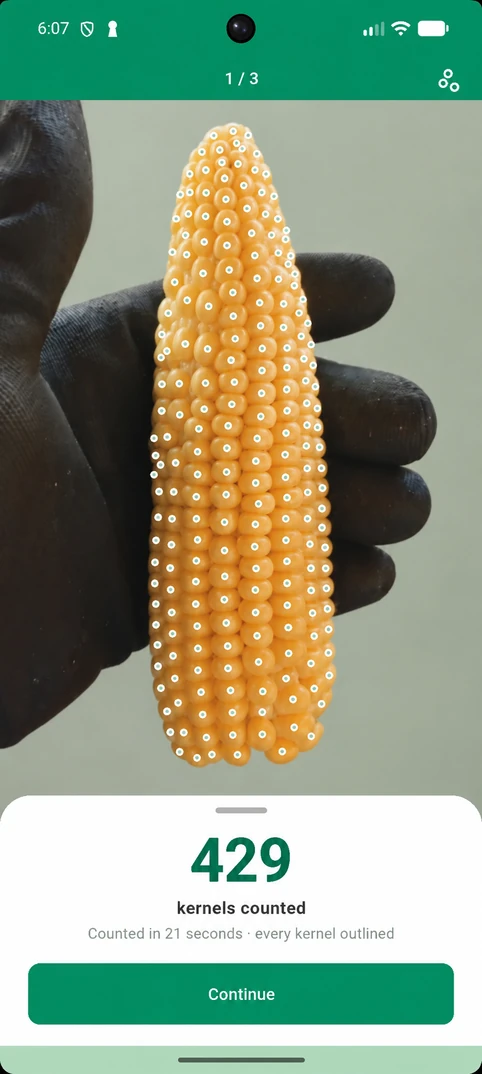
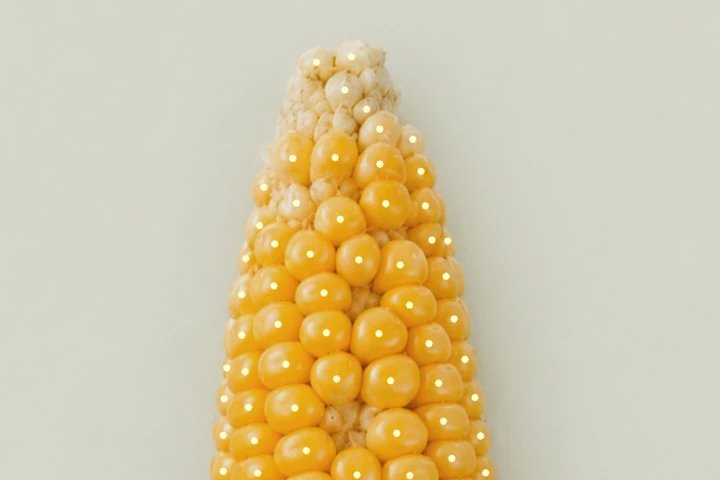
Count kernels on a single corn ear and inspect the detections.
Explore solution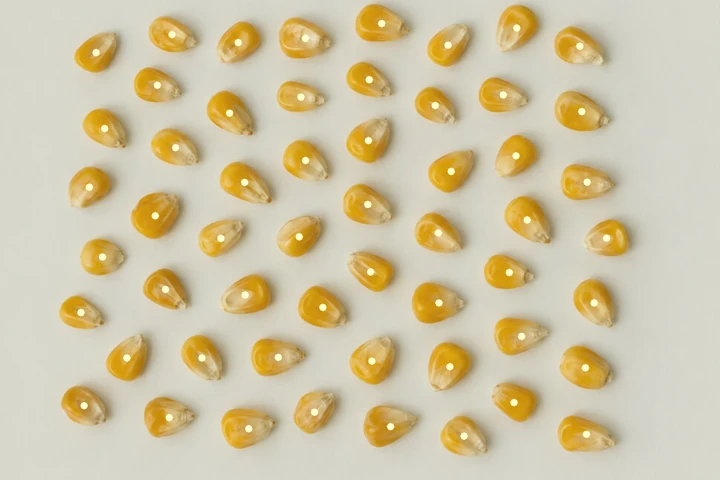
Count separated seeds across around 60 crops and calculate thousand-seed weight.
Explore solution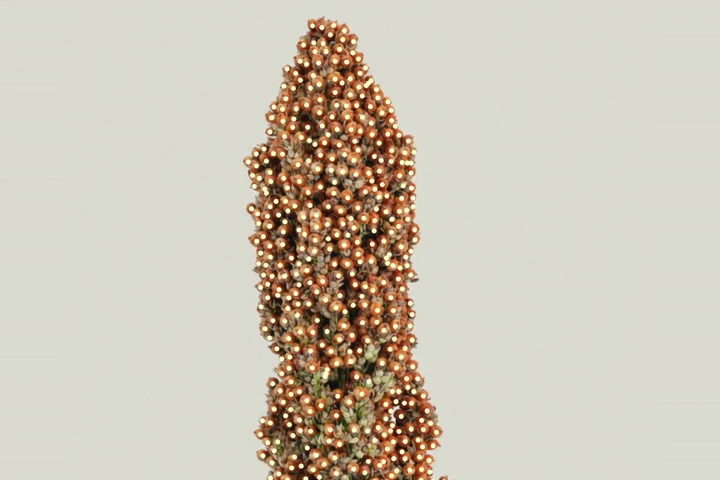
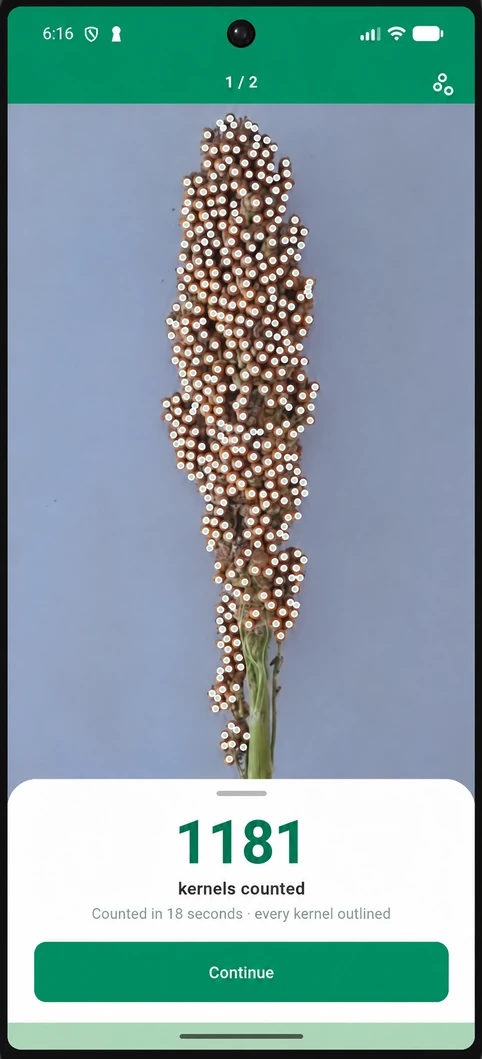
Count kernels on a sorghum panicle and review the analysis.
Explore solution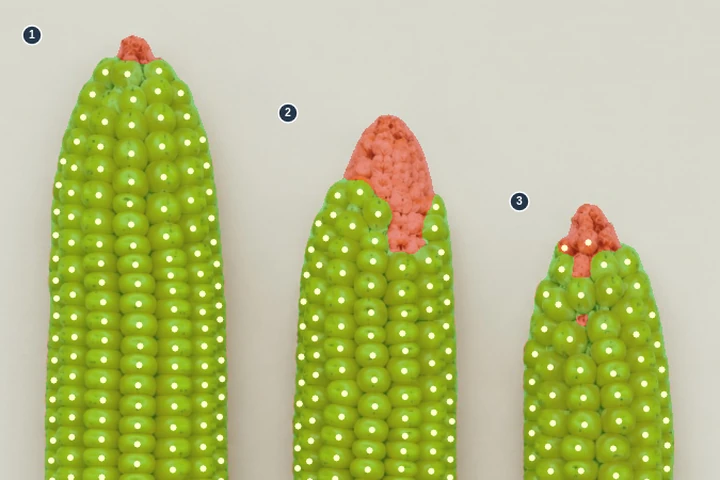
Compare kernel counts, fill, and dimensions across multiple corn ears.
Explore solution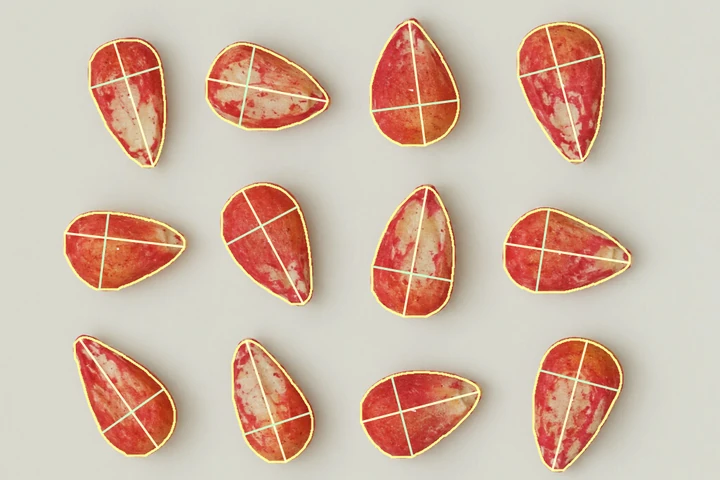
Measure individual corn grain length and width with QR calibration.
Explore solution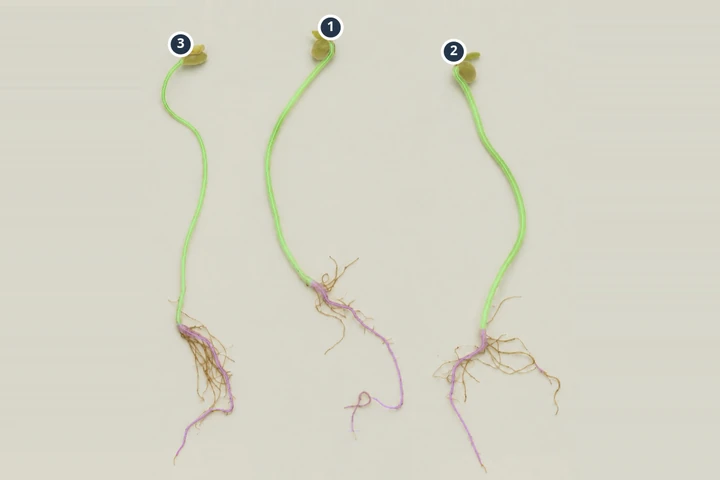
Count soybean seedlings and measure primary root and hypocotyl lengths.
Explore solutionAvailable for Android and iOS.


Registration takes under a minute in the mobile app. All you need is an email address.
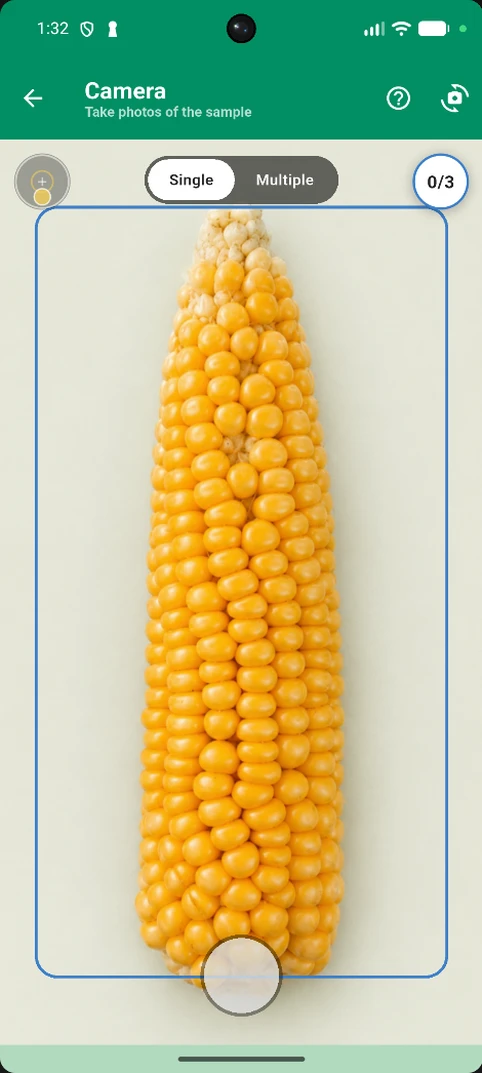
Choose a crop and analysis mode, then photograph your sample.
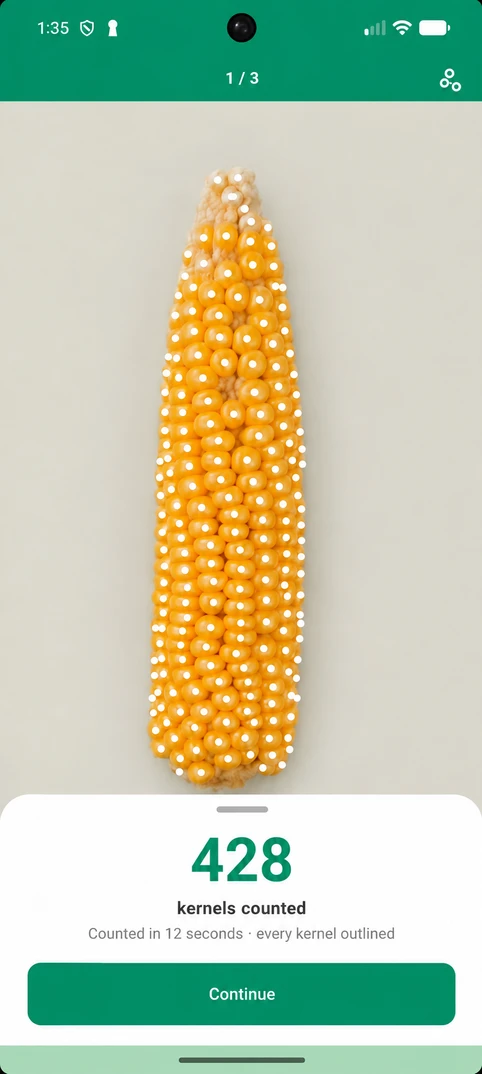
Review the results and continue in the web dashboard.
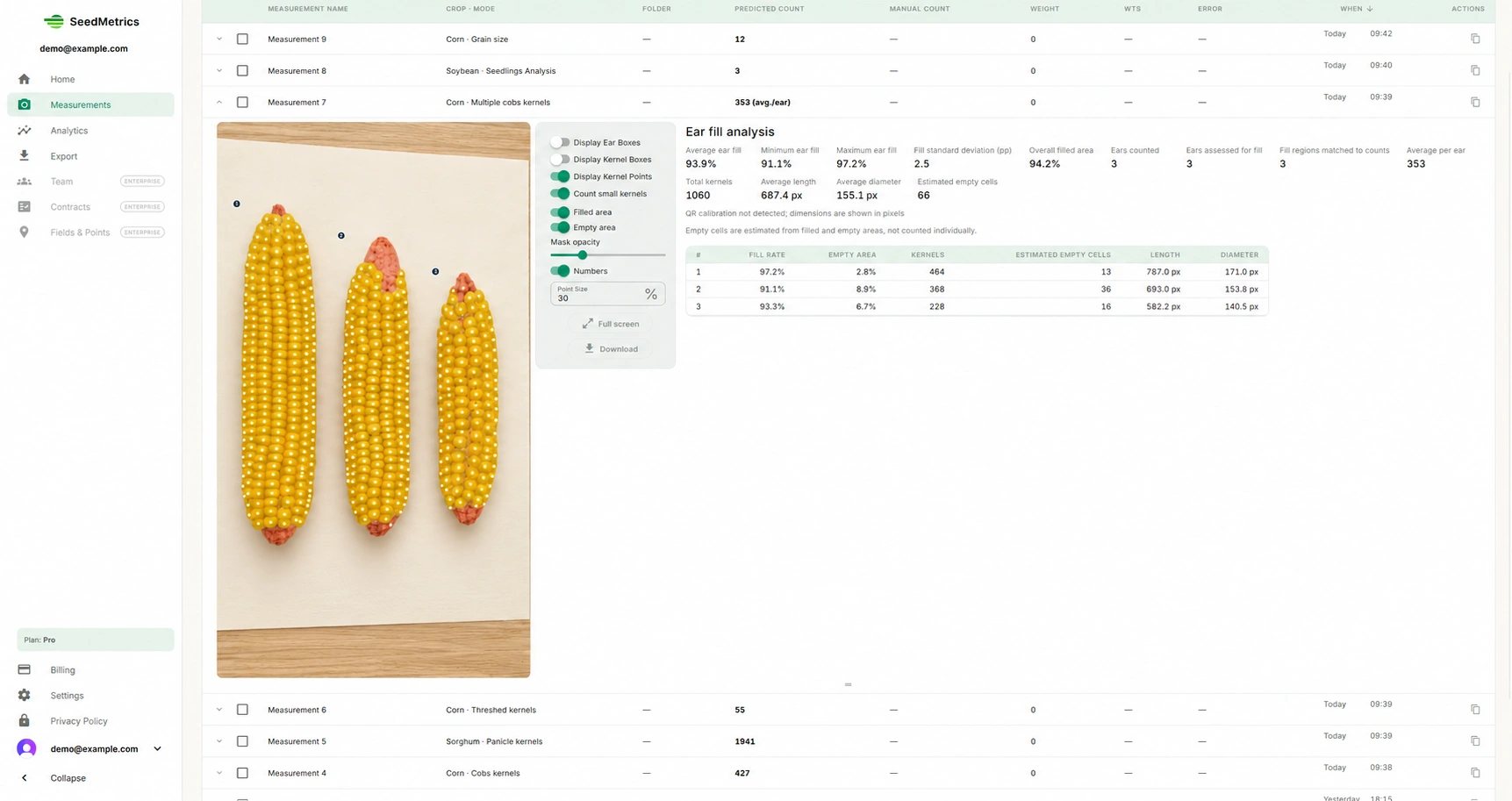
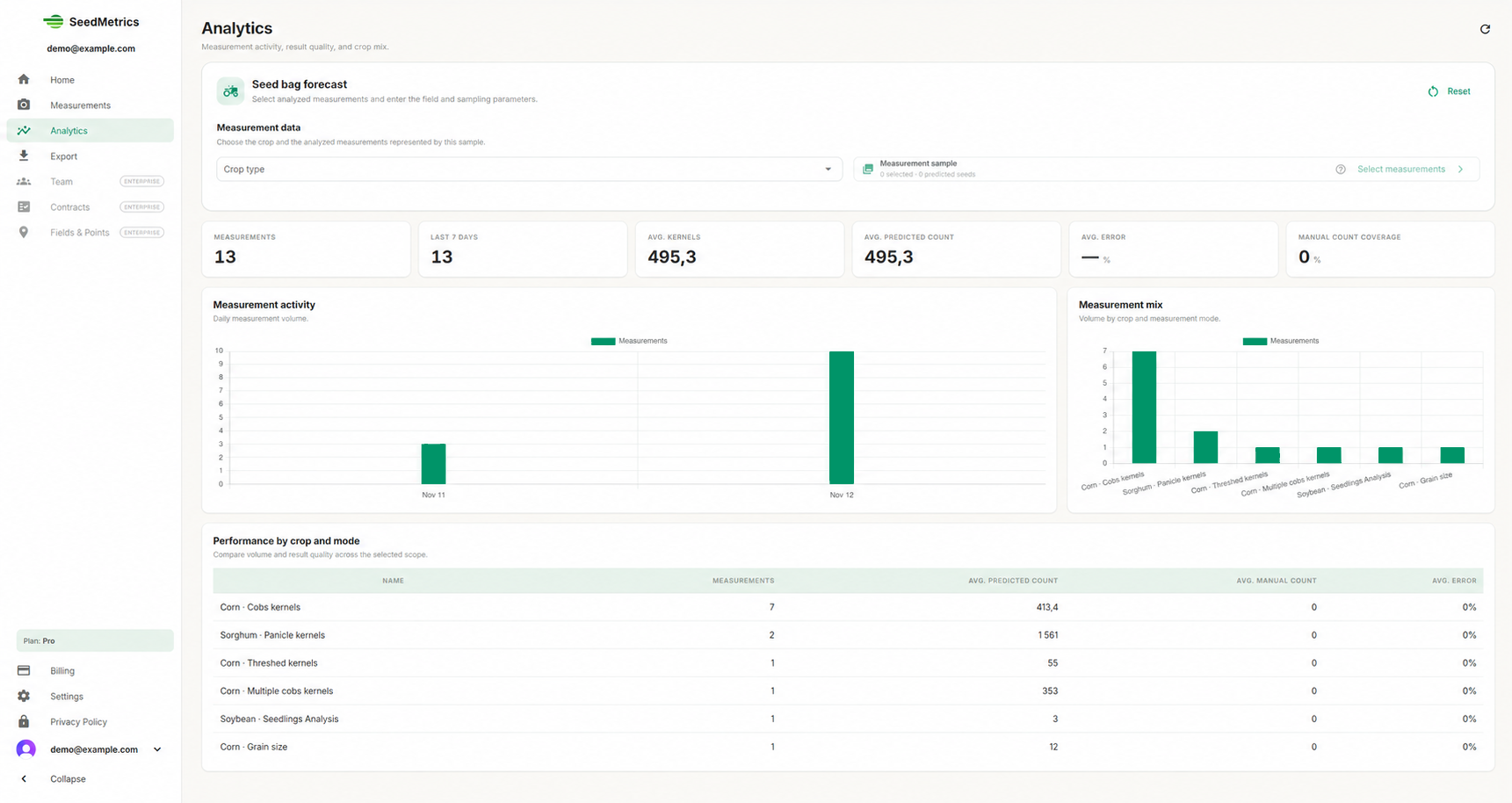
Upload measurements from the app and keep photos and results in the cloud, without keeping every capture on your phone. On the web, customize analysis overlays and explore detailed data for each measurement.
Track how many samples were analyzed and when, compare activity over different periods, and explore your crop and analysis mix. Use your measurements to forecast yield and plan ahead.
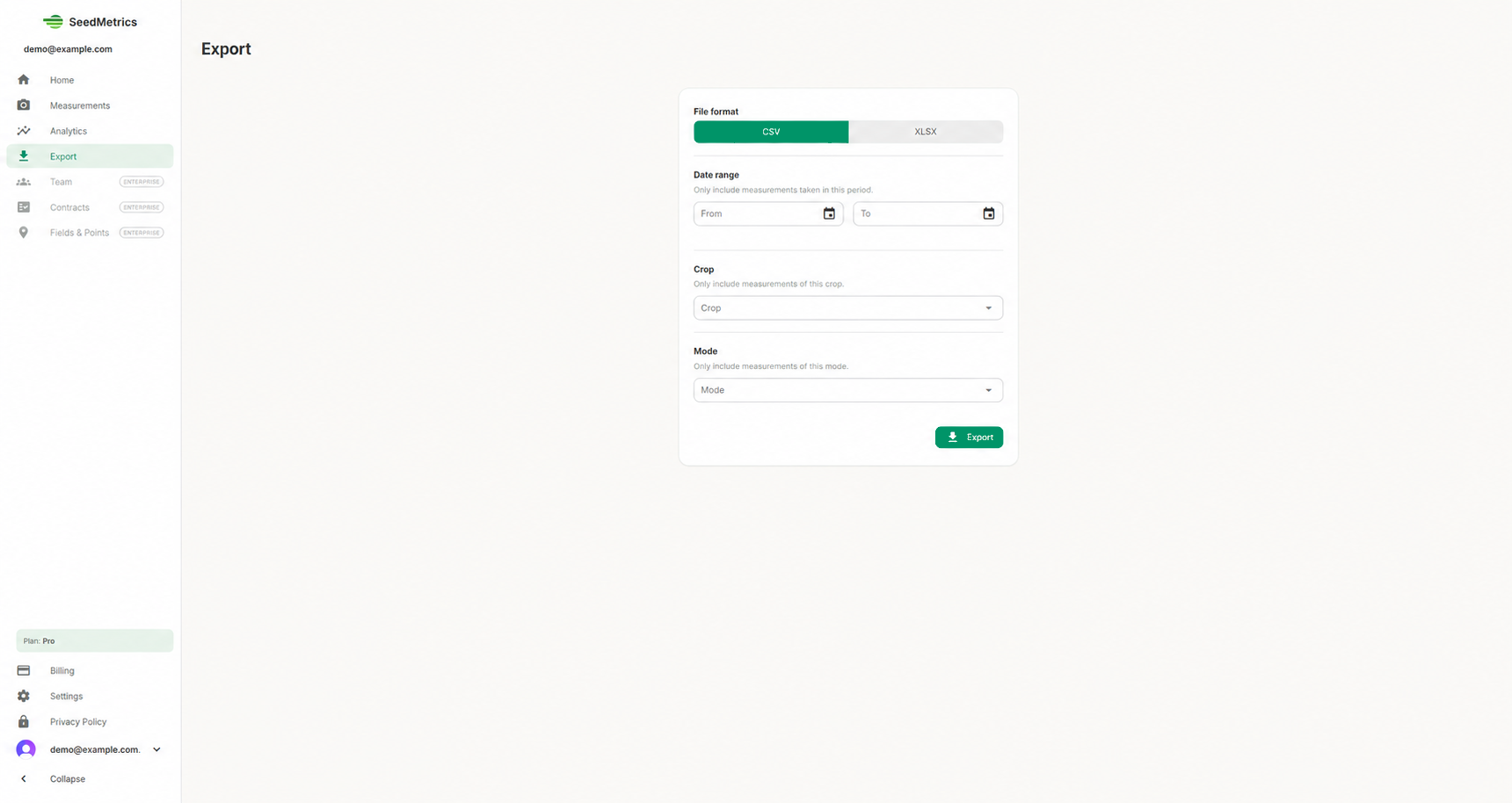
Export measurements to CSV or Excel, filtered by date, crop, and analysis mode. Bring detailed results into your own calculations and share them with colleagues.
$0
Explore with your own samples.
$19.99 / month
For individual specialists.
Custom
For seed production teams.
Create a free account and digitize your first samples today.
Download SeedMetrics for Android or iOS and create your account in the mobile app. Then choose a crop and analysis mode to capture your first sample. Use the same account to sign in on the web.
Separated-seed counting supports around 60 crops and crop groups. Corn has ear counting, ear fill, and grain sizing; sorghum has panicle counting; soybean has seedling analysis.
Follow the capture guide for your analysis mode. Use even lighting, keep the image sharp, and include the whole sample. For separated-seed counting, spread the seeds apart so they do not overlap.
You can capture photos and save sample data locally on your phone. An internet connection is required to submit measurements and run analysis. Saved captures can be sent when you are connected again.
Weigh the same seeds that you photograph and enter their total weight. SeedMetrics calculates thousand-seed weight as sample weight divided by seed count, multiplied by 1,000. A photo alone cannot determine weight.
Counting seeds does not require a calibration marker. To measure corn grain or soybean seedling dimensions in millimeters, include a supported SeedMetrics QR marker at its original printed size, in the same plane as the sample. Without valid calibration, lengths remain in pixels.
Yes. Sign in on the web to review your measurement history, photos, and analysis results. CSV and Excel export are available in Pro and Enterprise. PDF reports with photos and results are available in Enterprise.
Free includes a personal workspace and measurement history, with a daily measurement limit. Pro offers unlimited measurements, CSV and Excel export, and advanced analytics. Enterprise is for teams working with contracts, seasons, samples, and field or laboratory workflows.
