How to trace a sample with seed testing lab software
A reviewer sees 150 g in a spreadsheet and asks where it came from. Build a lab workflow that takes them back to the actual sample, tray photos, counts and weights.
Give the lot, sample and measurement their own IDs
A lot is the batch the result may refer to. A submitted sample is the material the lab receives. A working sample or portion is what the analyst actually tests. Keep these levels distinct so a photo of one tray can be traced to the sample it came from and to the lot it represents.
Consider an internal measurement request for fictional soybean lot SOY-026. At intake, log the received sample as SOY-026-S01. In the request, specify the test or measurement, method revision, operator and date. In this lab, W01 identifies the working sample for the weight estimate. Keep it under the received sample ID and label its two trays W01-A and W01-B.
| Level | ID | What to link |
|---|---|---|
| Lot | SOY-026 | Crop and lot record |
| Received sample | SOY-026-S01 | Intake record |
| Working sample | W01 | SOY-026-S01 and weight estimate |
| Working portion A | W01-A | Tray photo and mass |
| Working portion B | W01-B | Tray photo and mass |
Store the input that supports each number
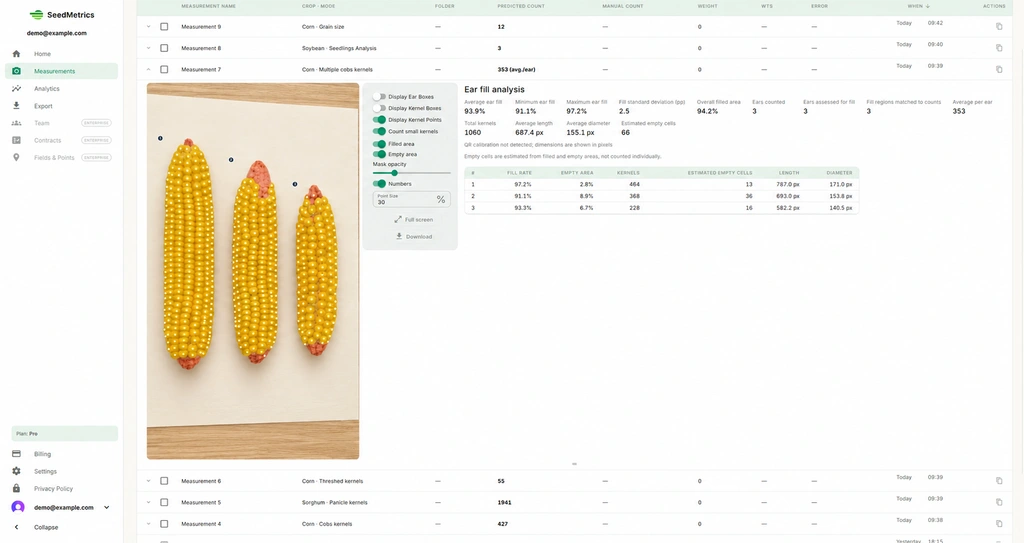
Keep the original photo, accepted count, net mass and units together for each tray. If a shot is repeated, record the reason and make it clear which result supersedes the earlier one. If the same material is photographed again, the repeated frame is evidence for the same portion.
In the example, portion A contains 198 seeds weighing 29.7 g and portion B contains 202 seeds weighing 30.3 g. The second tray’s first photo had a clipped edge. The reviewer accepts its replacement and uses one count from each tray. The combined 400 seeds weigh 60 g, giving an internal estimate of 150 g per 1,000 seeds.
- (29.7 g + 30.3 g) ÷ (198 + 202) × 1,000 = 150 g per 1,000 seeds
Open the source before signing off on a result
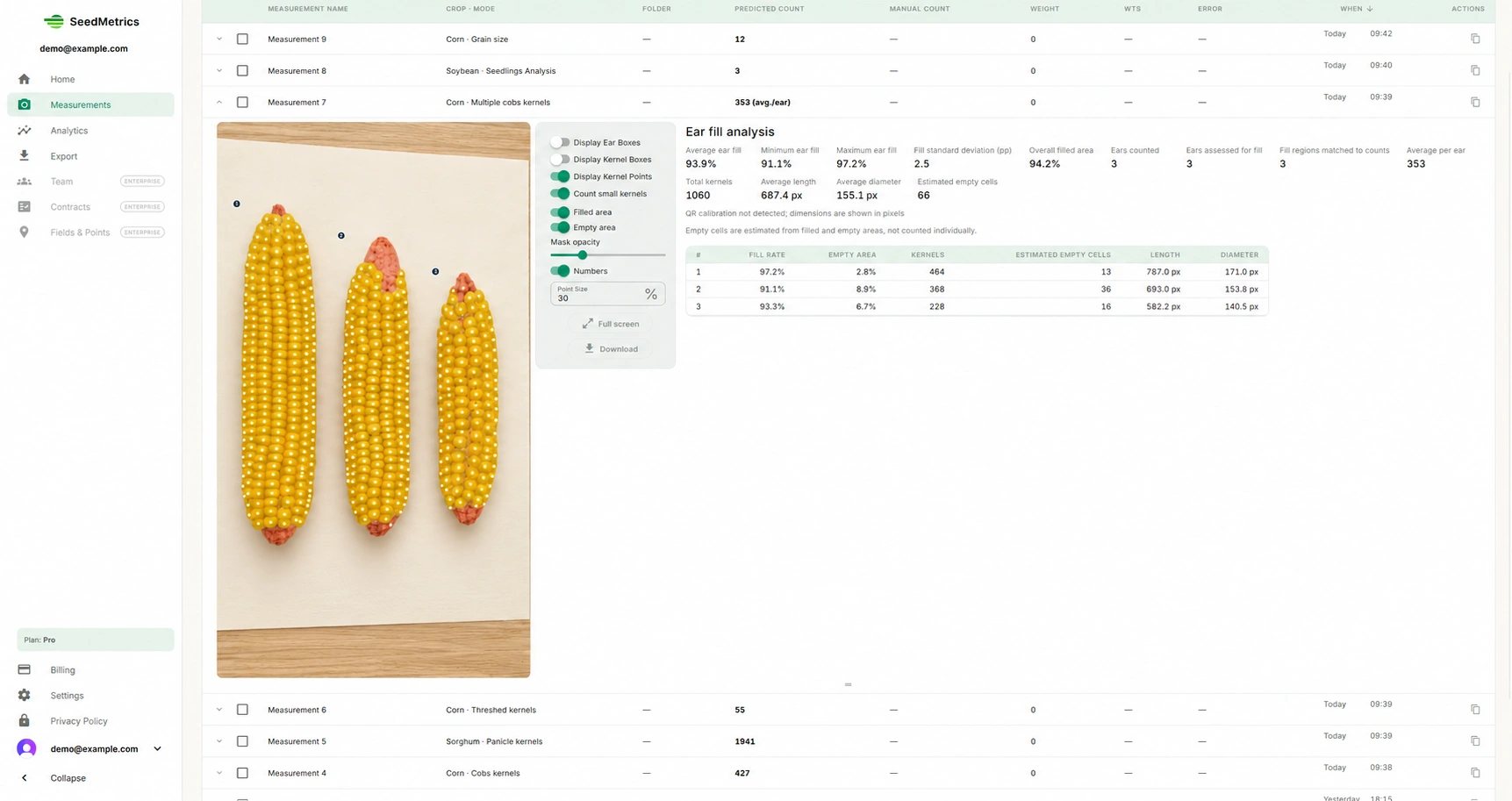
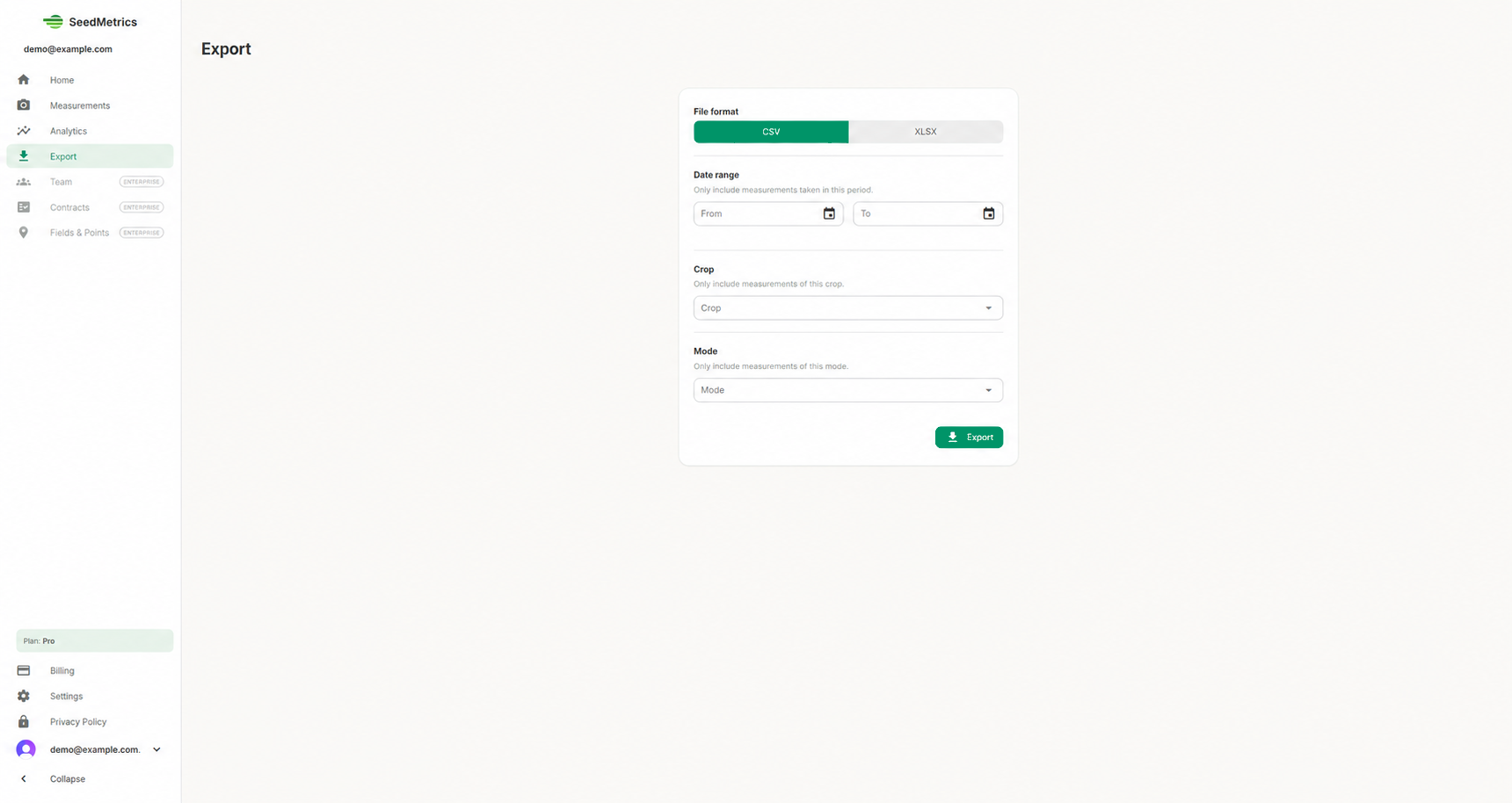
Have the reviewer open the photo and result from the sample record, check the units and confirm the accepted version. When exporting, include the received sample ID and working sample ID, method or measurement type, units and review status in your reporting record. Reopen the exported file and check a row against its source. IDs with leading zeros should survive a spreadsheet import.
SeedMetrics keeps photos and analysis results in the measurement history for web review. Supported workspaces also provide CSV or Excel measurement exports. Keep lab-specific fields such as approval status and method revision in the lab’s system of record where needed. Export only the records and columns required for that handoff.
Trial one real handoff before rolling out to the lab
Pick one routine measurement and two operators. Give the reviewer only the exported result and ask them to locate the source, reproduce the calculation and explain any repeat. Time the review and record the fields they had to look up elsewhere. That tells you where the workflow needs to improve before you expand it.
- Can staff distinguish receiving, measuring, reviewing and approving a sample?
- Can a reviewer identify the accepted result when a measurement was repeated?
- Can you bring sample IDs, units and results into your LIMS or master workbook?
A lab can use SeedMetrics for photo measurements and history alongside its reporting or laboratory information management system (LIMS). Apply your lab’s methods to formal germination, purity and viability testing, and issue official reports through the authorized process.
Further reading
Run a sample through your measurement workflow
Bring a sample ID, a photo and a result your team already knows how to verify. Check that a second operator can review the same record.